XO Lite
Xen Orchestra Lite is a lightweight version of Xen Orchestra meant for single-pool administration, running directly from your browser without having to deploy anything, hosted on XCP-ng directly. You can access it directly on the default https port, by following this URL pattern: https://[XCP-NGHOSTNAME]OR[XCP-NGIP ADDRESS]. For example:
- If my XCP-ng machine has the DNS hostname
mycloud.local, I will access XO Lite at https://mycloud.local. - If my XCP-ng machine has the IP
192.168.0.1, I will access XO Lite at https://192.168.0.1.
XO Lite is bundled by default in XCP-ng 8.3. On XCP-ng 8.2 (EOL), you can use it by opening this URL in your browser: https://lite.xen-orchestra.com/#/?master=<IP_of_your_XCP-ng_master>. Don't forget to visit the page of your XCP-ng master first to accept the self-signed certificate!
XO Lite uses a self-signed certificate. You need to accept the certificate (follow your web browser's instructions) to access the login page.
XO Lite is embedded in XCP-ng, but it hasn't reached version 1.0 yet: some features are still missing. It's meant to cover all the basic actions you need to bootstrap your infrastructure or perform basic operations on your VMs.
Credentials
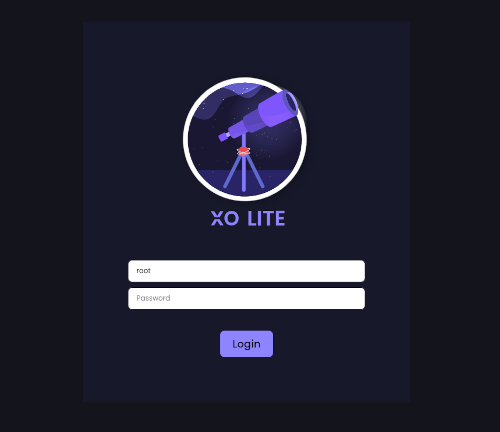
XO Lite credentials are the same as the host (SSH credentials), usually root as user and the password chosen during the installation process.
Dashboard
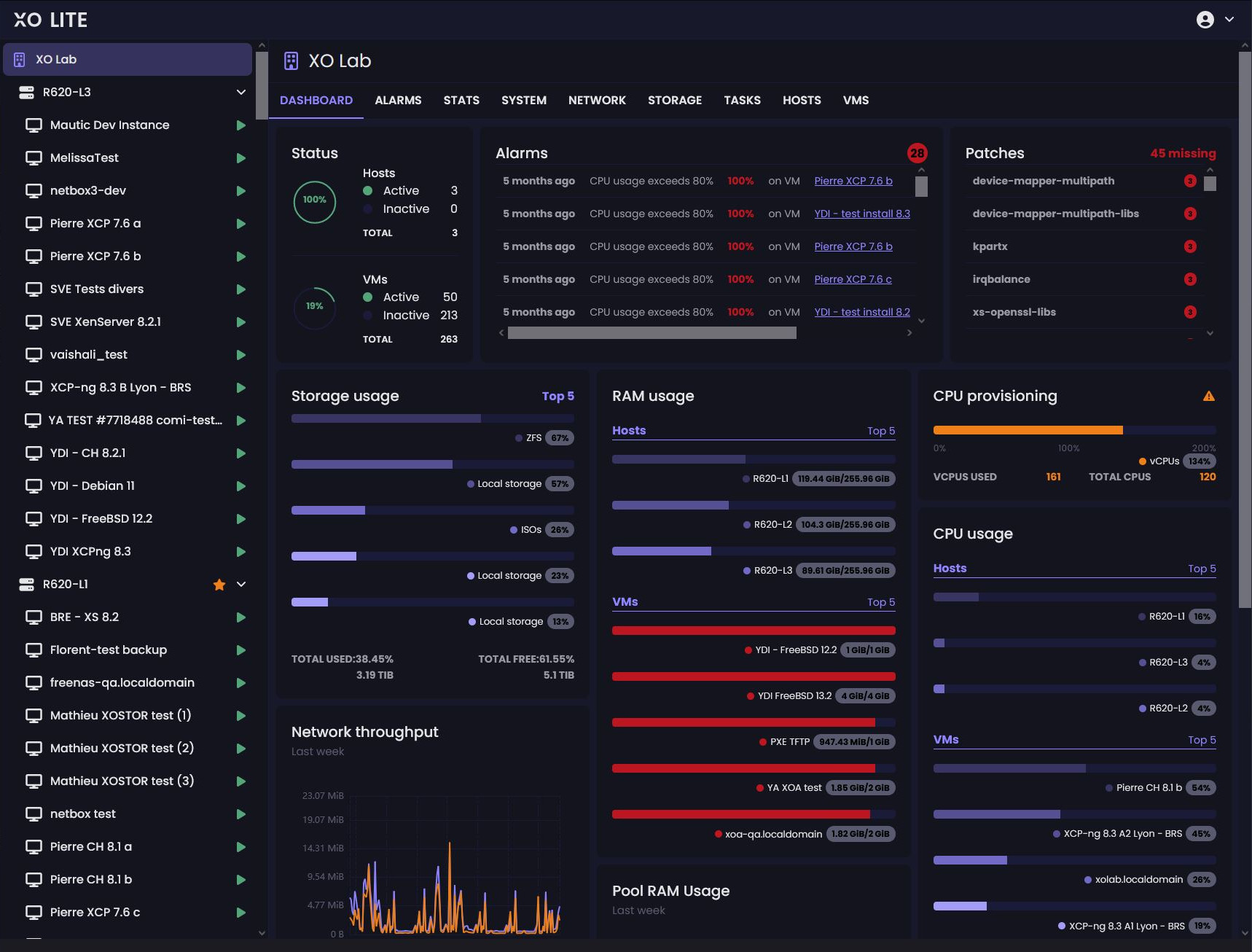
Once logged in, you can see the dashboard:
XO Lite isn't a multi-cluster orchestrator, it's just a local management console. If you want to orchestrate your VMs at scale (load balancing, backup, warm migration and so on), you MUST use Xen Orchestra!
Disabling XO Lite
First, let's emphasize that XO Lite is merely an XAPI client. While it is made readily available by the web server on XCP-ng, it actually runs entirely in your web browser. It does not increase the attack surface on XCP-ng servers. Additionally, in a properly configured XCP-ng deployment, the management interface resides on a dedicated network, accessible only to administrators.
However, you might still want to prevent XCP-ng from offering XO Lite altogether. To do so, simply add the following line to a new file in /etc/xapi.conf.d/:
disable-webserver=true
Here's a one-liner to do that:
# echo "disable-webserver=true" > /etc/xapi.conf.d/disable-webserver.conf
You must perform this step on every host in the pool, followed by a toolstack restart (ensure no critical tasks are running before doing so):
# xe-toolstack-restart